
Happy Wheels Guides
Start with controls if you just want to finish a level, the editor if you want to build one, and the lag page if the game stutters. Each guide says which facts are official and which come from the community wiki.
2026-10-02
Where to playFancy Force never published one manual. What I had was the mobile FAQ, a handful of old news posts about keys, the Steam category list, and a very long Fandom page on the editor. I split those into four guides so a controls question does not sit under an XML dump.
Which guide to open
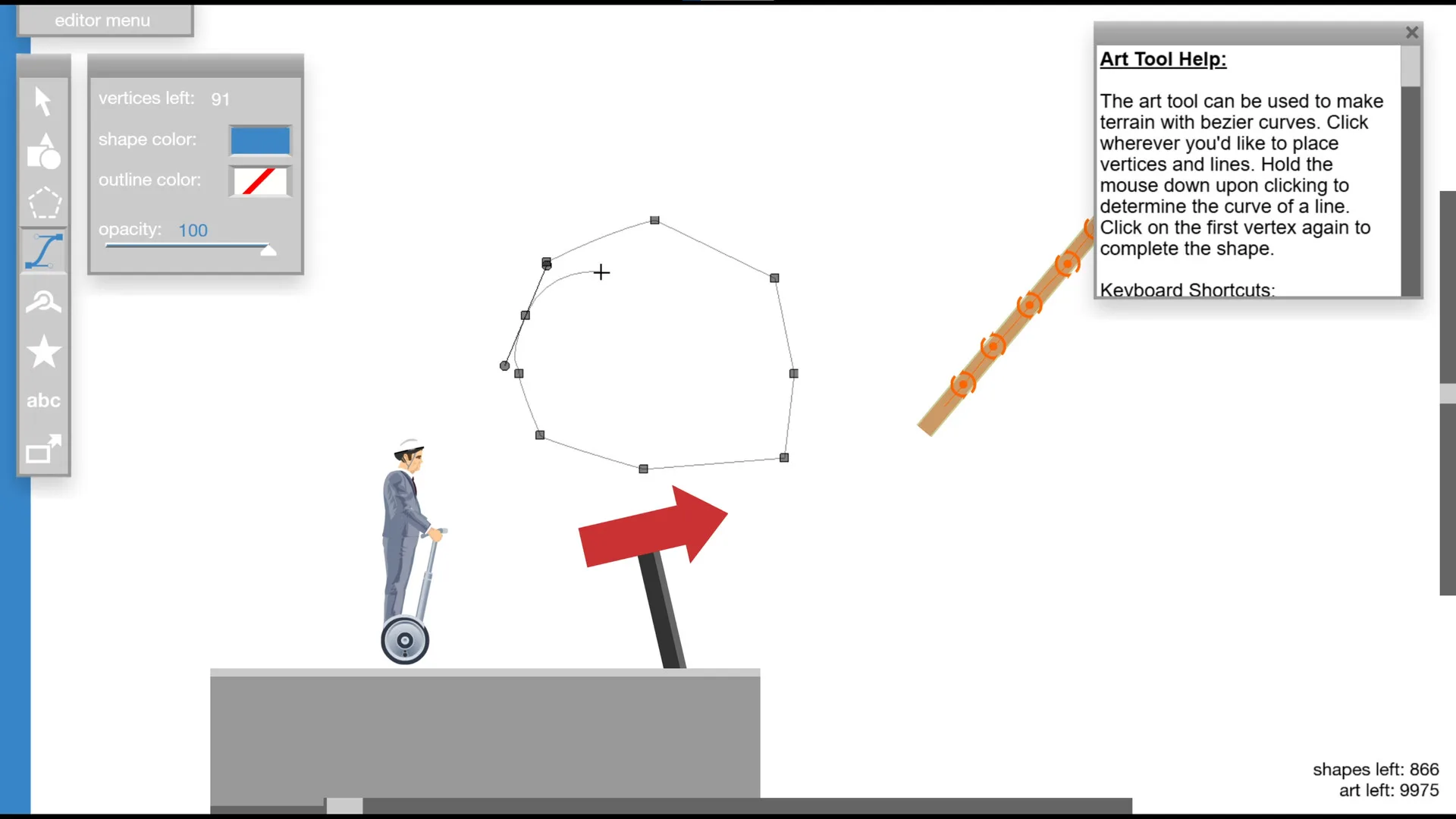
The editor numbers (stage size, shape cap, art cap) are community-wiki measurements of the tool, not a line in the Steam description. Steam only says the port includes a level editor. I keep that distinction on the editor page.
- Controls: arrows, the Z eject key, Esc and F11 on the new Steam build.
- Level editor: limits, the T test key, LevelXML, and the Android hold.
- Custom levels: filters, date search on Steam, and two famous levels.
- Lag and errors: the September 2026 patches, plus what is still unexplained.
A limit on “skip” tricks
Searches for frame-freeze skips point at community glitches. I did not re-test those clips, so this guide set does not teach them. If a glitch is only documented on the wiki’s glitch list, it stays off these pages.
Keep reading
Questions
Does Happy Wheels have an official manual?
No single manual. The mobile FAQ is the closest official troubleshooting doc.
Are the editor limits official?
They are measured on the community wiki. Steam only confirms that a level editor is included.
Where do I play while I read?
totaljerkface.com or Steam. The links are on the download page.