
Happy Wheels Controls
Arrow keys move. Z ejects you from the vehicle. In the editor, T tests the level. On Steam since 23 September 2026, Esc pauses and F11 toggles fullscreen.
2026-10-02
Where to playThere is no official one-page key chart. I split what I could verify into three piles: a 2015 news post about Esc and Tab, the Steam patch log for the 2026 changes, and the character wiki for the Z eject default. The arrow-key line is what CrazyGames prints on its controls block, so I am labeling that as a portal’s chart, not Jim’s.
Keys worth memorizing
Older tutorials say Esc opens the menu. That changed on 19 January 2015: Esc left fullscreen, Tab opened the menu, and R restarted. Steam’s 1.99.1 patch added Esc to pause alongside Tab, and F11 to toggle fullscreen. If a 2012 video disagrees with your keyboard, the video is the thing that expired.
| Action | Key | Where this comes from |
|---|---|---|
| Move | Arrow keys | CrazyGames controls text |
| Eject | Z | Character wiki, called the default |
| Grab after ejecting | Hold Space | Community Characters wiki; hands must reach the object |
| Test level | T | Editor wiki |
| Pause on Steam | Esc | Patch 1.99.1, 23 Sep 2026 |
| Fullscreen on Steam | F11 | Same patch |
| Restart (2015 change) | R | Official news, 19 Jan 2015 |
Character actions before ejecting
These are desktop defaults from the community Characters wiki, not a verified mobile or controller mapping. After ejection, Space becomes grab. The level author may constrain which rider you can choose.
| Vehicle | Space | Shift / Ctrl |
|---|---|---|
| Wheelchair Guy | Fire jet | Rotate jet clockwise / counter-clockwise |
| Segway Guy | Jump | Straighten / bend legs |
| Irresponsible Dad | Brake | Eject father / son |
| Effective Shopper | Jump | No vehicle action listed |
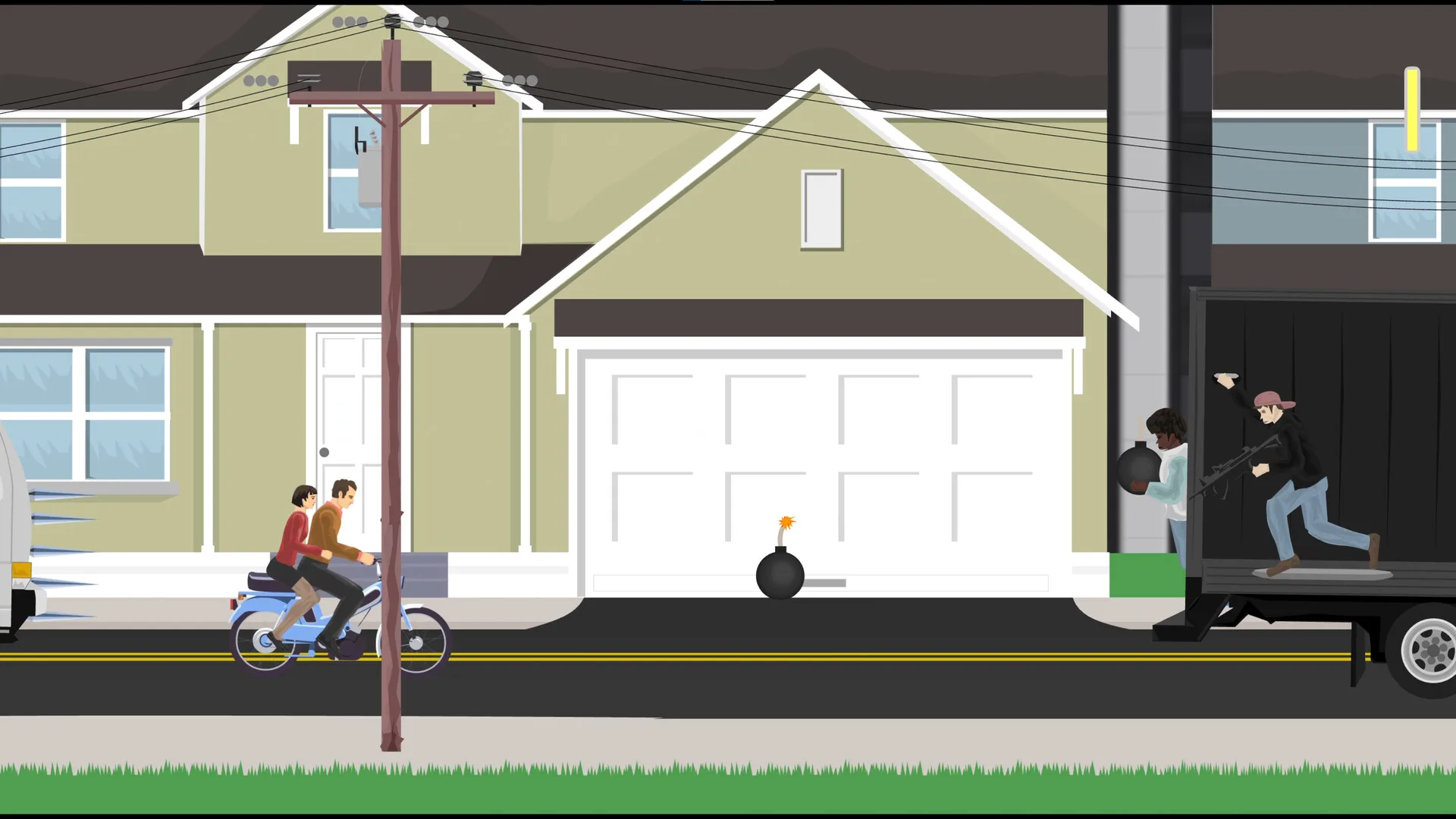
| Moped Couple | Speed boost | Eject woman / brake |
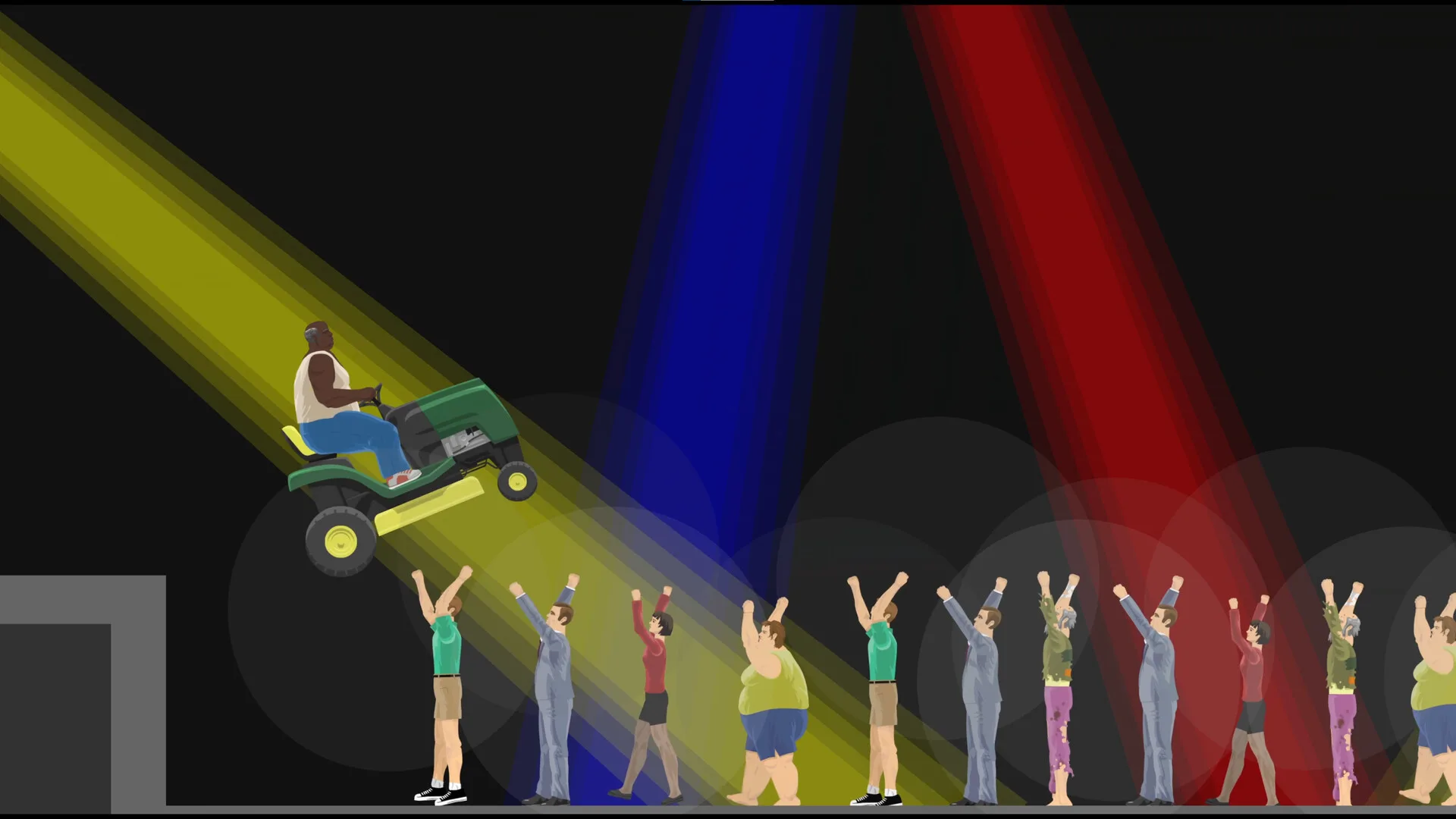
| Lawnmower Man | Jump | No vehicle action listed |
| Explorer Guy | Hold to attach to rails | Lean rider forward / backward |
| Santa Claus | Float | Release elves after injury |
| Pogostick Man | Hold to charge bounce | Straighten / crouch |
| Irresponsible Mom | Brake | Eject baby / little girl |
| Helicopter Man | Toggle magnet | Raise / lower magnet |
Phones and controllers
iOS controls cannot be customized, according to the mobile FAQ. Android can move the special button to the other side and adjust a notch offset under Options, Advanced. The FAQ’s iOS section says wireless controllers are not currently supported; it does not establish support for every Android device. Steam lists partial controller support, and the checked Deck report was Playable rather than Verified.
Keep reading
Questions
How do you eject in Happy Wheels?
The default key is Z. You leave the vehicle and control the body until it dies.
What are the controls?
Arrow keys move. Z ejects. On Steam, Esc pauses and F11 is fullscreen.
Can I rebind keys on iPhone?
No. The mobile FAQ says iOS controls cannot currently be customized.